
You have a great idea for an Instagram post, but turning that idea into a structured, well-designed carousel feels like a chore. First, you have to write the text, then struggle to keep the sentences short enough for slides, and finally, spend hours in Canva trying to align text boxes.
While AI can help, simply copying a text prompt from ChatGPT to a design tool still requires too much manual work. The real time-saver happens when your workflow turns an idea directly into a structured, fully designed slide deck.
In this guide, we'll walk you through the most efficient workflow to make an Instagram carousel with AI—without touching a design tool.
The Old Way vs The AI Way
Before dedicated AI tools existed, creators had to use a fragmented workflow.
1. Generating text in ChatGPT
You had to write a complex prompt just to get the AI to output short, punchy text suitable for slides.
2. Copy-pasting to a design tool
You then had to manually copy each slide's text into a design tool like Canva.
3. Adjusting layouts manually
Finally, you had to resize text boxes, adjust fonts, and fix alignments for every single slide.
These steps require separate writing and layout decisions. A unified workflow connects them, but the time needed depends on the source and revisions.
The Step-by-Step Workflow
Unified generation The secret to rapid content creation is using a specialized tool that handles both copywriting and design simultaneously.
Here is how you can generate a complete carousel from scratch using GoToFlow.
Step 1: Input your topic
For a subject you can actually develop, start with the Instagram carousel idea library and adapt one idea to your audience and source material. You don't need a perfectly structured prompt. Just type in your raw idea, a rough concept, or even copy-paste a section from a blog post you wrote.
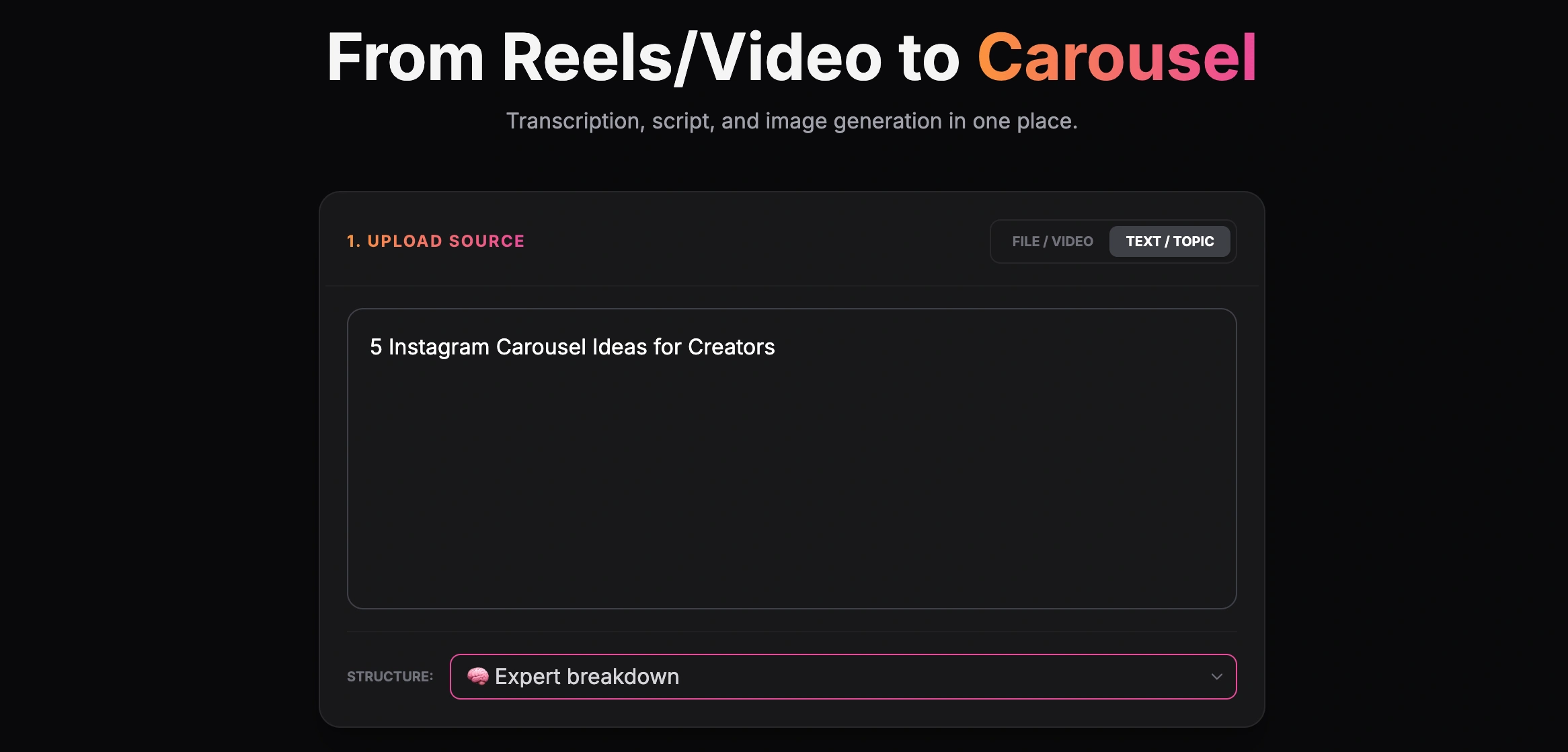
Creating a carousel from a text topic
Step 2: Choose your brand style
Compare the 15 cover approaches when choosing the visual opening. A cover should preview the message the following slides deliver. A good carousel needs to look professional. Instead of manually adjusting colors, you can select a cohesive visual style that matches your brand identity.
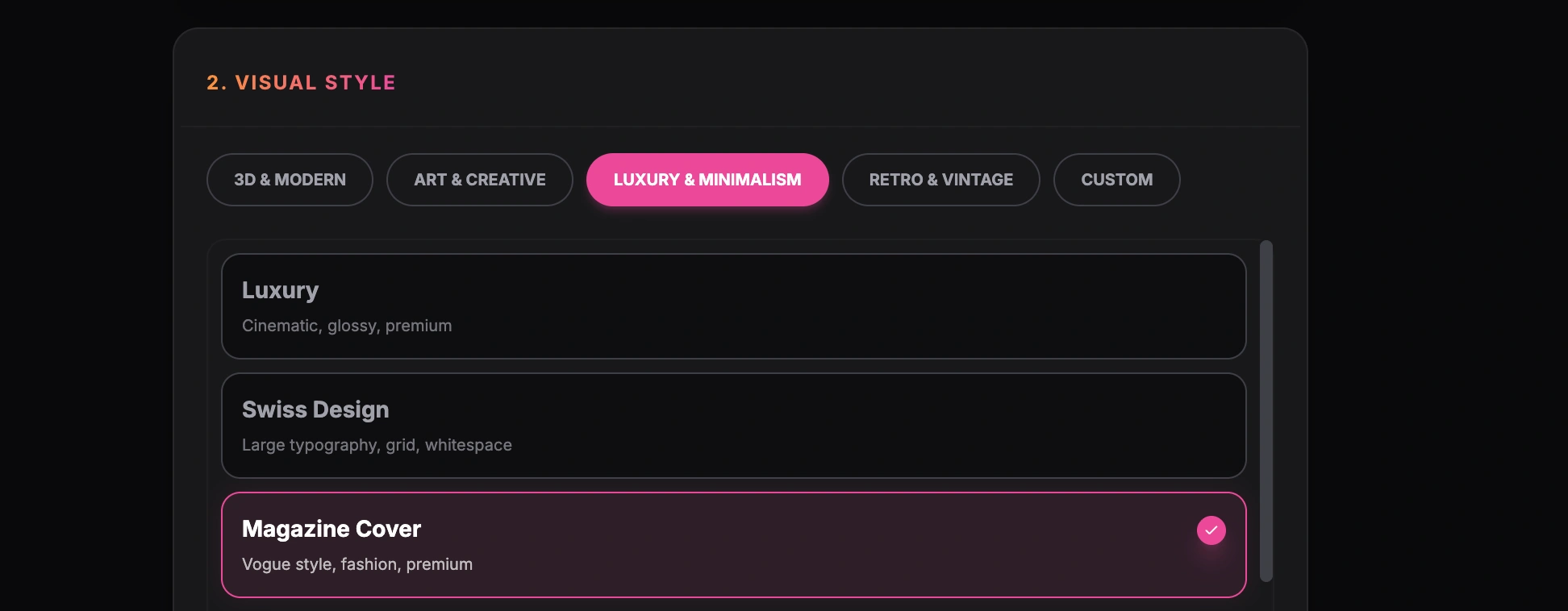
Choosing a visual style for the carousel
Step 3: Generate and review
For input examples, prompts, and a longer review checklist, use the detailed Instagram AI creation guide.
The carousel storytelling framework is useful for checking whether the middle slides form a sequence rather than an unrelated list. The AI analyzes your input, proposes a sequence (Hook → Value → CTA), and generates the slide design. Compare the result with the source and check the export; processing time is not guaranteed here.
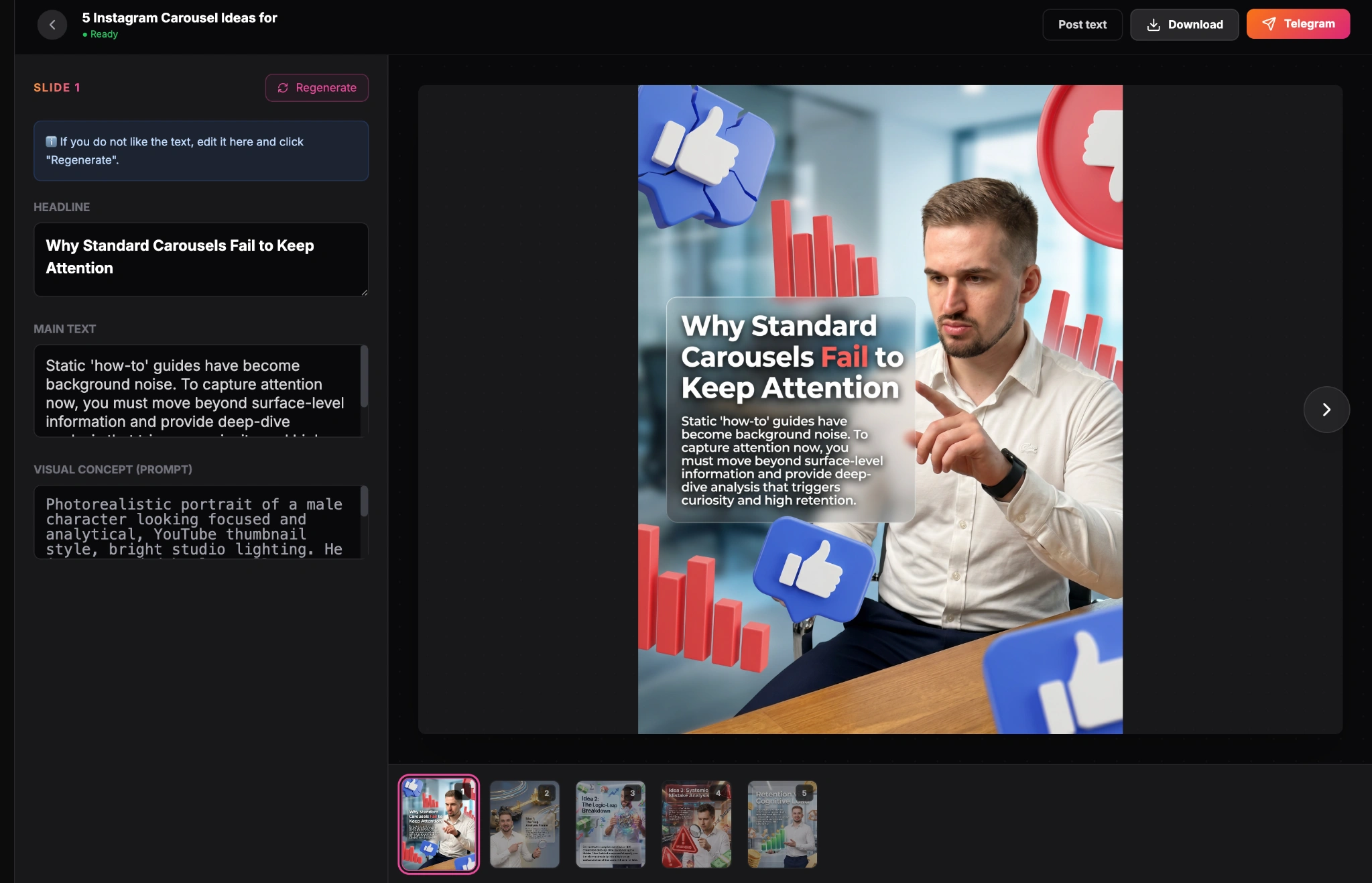
Finished carousel result inside the GoToFlow editor
Check the Hook and CTA Compare the generated slides with your source. Check the opening promise, facts, sequence, readability, and final CTA; no universal percentage describes how much review an input needs.
Why this approach wins
Treat engagement as something to measure, not a promised outcome. The engagement review guide helps you connect the slide structure to a testable reader action.
Using a dedicated AI carousel maker removes the friction from content creation.
Conclusion
Learning how to make an Instagram carousel with AI is the fastest way to scale your content production. By moving away from fragmented workflows and using unified generation tools, you can maintain a high-quality posting schedule without burning out on design work.